
![5 Best Tools to Remove Background Noise from Audio [Free & Paid]](https://blog.paytunes.in/blog/wp-content/uploads/2023/05/5-Best-Tools-to-Remove-Background-Noise-from-Audio-Free-Paid.png)
When you record audio, whether for a podcast or an album or even recording a voiceover to an audio video, you’ll always encounter some form of background sound. This background noise becomes more prominent when you’ve recorded audio in a location that isn’t soundproof. If there is background music, it doesn’t mean you can’t remove the background sound.
There are plenty of instruments you can employ to eliminate background noise. We will look at the most effective tools to eliminate background noise audio.
Tools to eliminate background noise from audio
There are plenty of free and paid programs that you can utilize to edit and remove background sounds from all audio. Let’s have a look.
Adobe Audition
Best for: Audio professionals who want full control over noise reduction and restoration in a desktop DAW environment
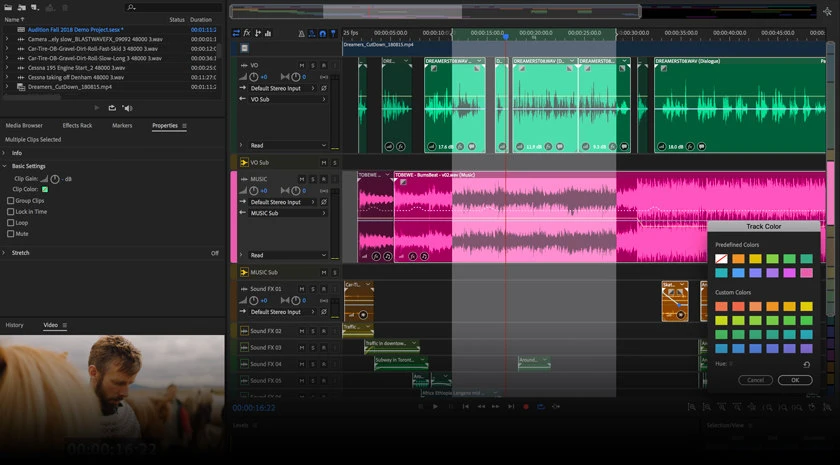
Adobe Audition is a powerful audio editing and restoration tool built for serious sound work. It offers effects such as Noise Reduction/Restoration → Noise Reduction, Hiss Reduction, and Adaptive Noise Reduction to handle ambient noise, tape hiss, mic hum and more.The user can capture a noise print, adjust frequency-bands and apply precise filtering.
Key features:
- Capture noise print and apply custom noise reduction curves
- Adaptive Noise Reduction for dynamic ambient noise removal
- Spectral frequency display for pinpointing unwanted sounds
Paid (Free trial available)
Purchase: Adobe Audition
Descript
Best for: Creators and podcasters who prefer one-click, AI-driven audio cleanup and intuitive editing
Descript combines powerful editing with a text-based workflow , you edit your audio as if you’re editing a Word document. Its “Studio Sound” feature uses AI to remove background noise and enhance voice quality automatically.
You can also transcribe, edit, and publish directly within the platform, making it a one-stop solution for creators.
Key features:
- Studio Sound: voice isolation, background noise / echo removal
- Text-based audio editing interface, including removal of filler words & silences
- Supports video + audio workflows for creators
Free tier available; Paid plans unlock higher limits and pro features
Downloads: Descript
Cleanvoice AI
Best for: Podcasters and content creators who want automated cleanup for voice tracks, filler words, and background noise
Cleanvoice AI works straight from your browser and uses artificial intelligence to remove background noise, filler words, and awkward silences. The process is automated , just upload, process, and download a clean version of your audio.
Key features:
- Background noise remover for each track (multi-track support)
- Filler words, breath/mouth sounds removal, silence removal
- Simple UI for creators without deep audio knowledge
Free trial available; Paid plans for longer files and advanced use
Use: Cleanvoice AI
Podcastle AI
Best for: Voice-over artists and podcasters who want fast, studio-like audio cleanup with minimal setup
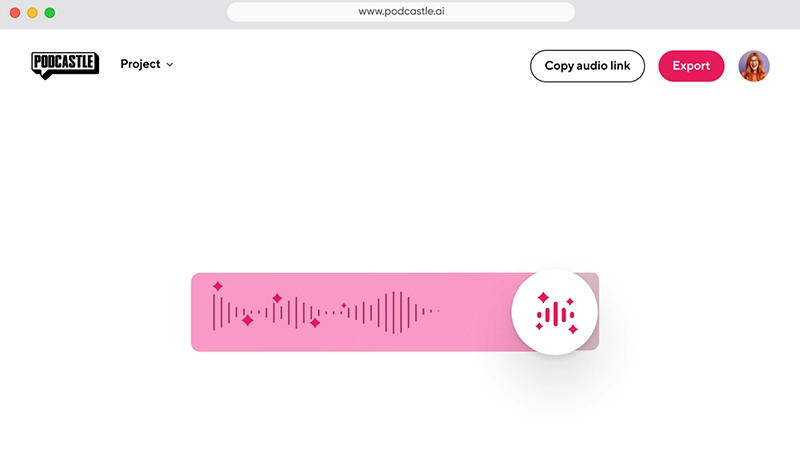
Podcastle’s “Magic Dust” feature instantly cleans your voice recordings and balances sound levels. Beyond noise removal, it also offers recording, editing, and remote interview tools in one simple web interface.
Key features:
- One-click “Magic Dust” for background noise removal and voice polish
- Supports upload or direct recording, simple workflow
- Web-based, accessible from any device
Free tier available; Paid plans for extended use and pro features
Use: Podcastle AI
LALALAI Voice Cleaner
Best for: Users who want online, AI-powered voice isolation and noise removal with adjustable settings
LALAL.AI uses next-generation AI to isolate vocals and remove noise. Its web app supports multiple file formats and offers fast processing even for longer audio tracks. The free tier allows up to 10 minutes of audio , ideal for quick fixes.
Key features:
- Noise cancelling levels (Mild, Normal, Aggressive) and De-Echo features
- Supports multiple audio/video formats online, no install needed
- Voice extraction/separation as a bonus
Limited free usage; Paid tiers for longer processing and higher limits
ElevenLabs Voice Isolator
Best for: Voice actors, narrators and creators who want studio-grade voice isolation and background noise removal via AI
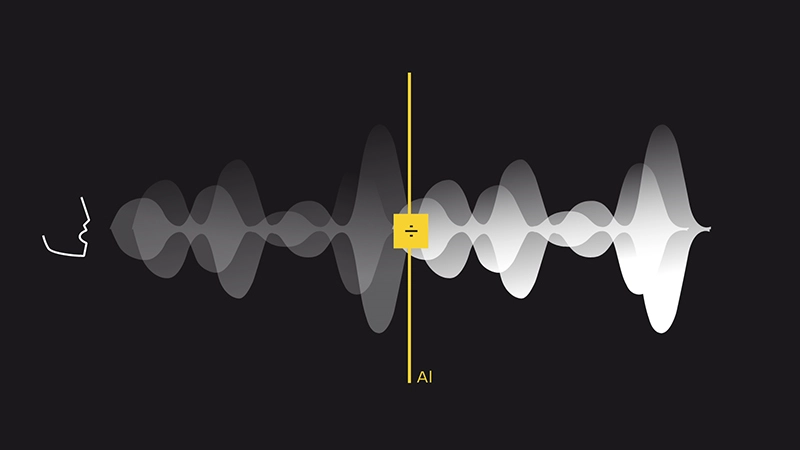
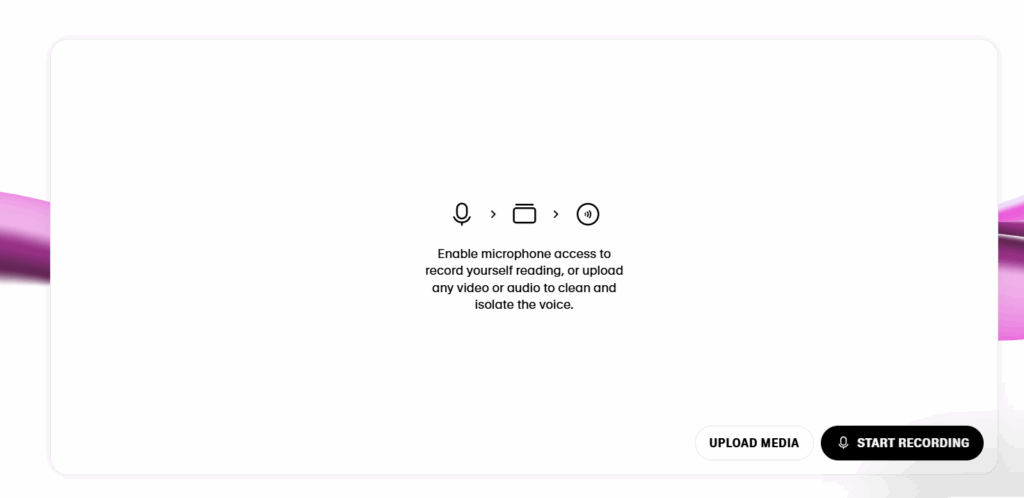
ElevenLabs’ new Voice Isolator is built with advanced generative AI that extracts clean speech while removing ambient sounds and echo. It preserves the natural tone of your voice, making it ideal for voice-overs, narration, and podcast post-production.
Key features:
- AI voice isolation: extract vocals and remove noise from recordings
- Web-based, simple upload-process
- Preserves natural voice timbre while removing ambient sounds
Free demo available; Paid plans with higher usage limits
Use: ElevenLabs Voice Isolator
Media.io Noise Reducer
Best for: Quick browser-based cleanup of audio or video files for creators, vloggers and educators
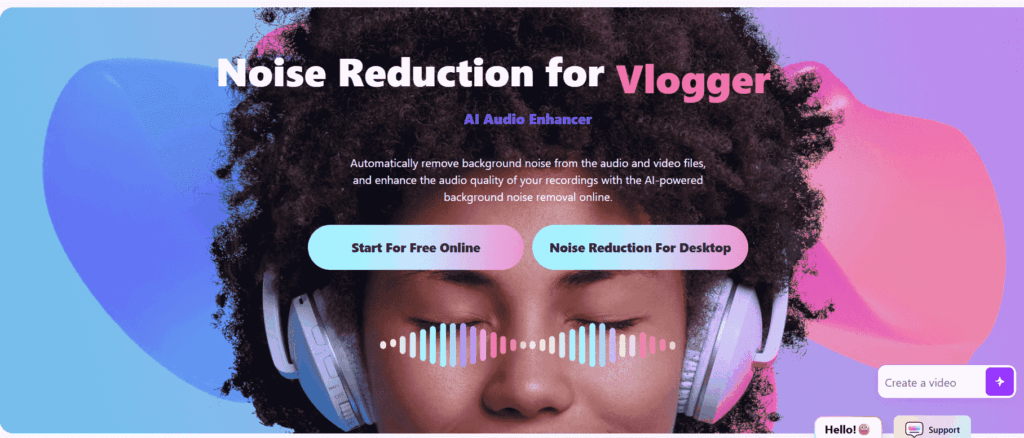
Media.io’s AI-powered Noise Reducer lets you upload audio or video files directly from your browser. It works fast and supports multiple formats, removing wind, traffic, or hum sounds with a single click.
Key features:
- Upload audio/video, select noise type to remove, then download cleaned file
- Supports many file types/formats; batch processing support mentioned
- Online, no install required
Free tier with limited usage; Paid plans unlock larger file support
Boris FX CrumblePop
Best for: Creators and editors who want high-quality, AI-powered noise reduction directly inside video editing software
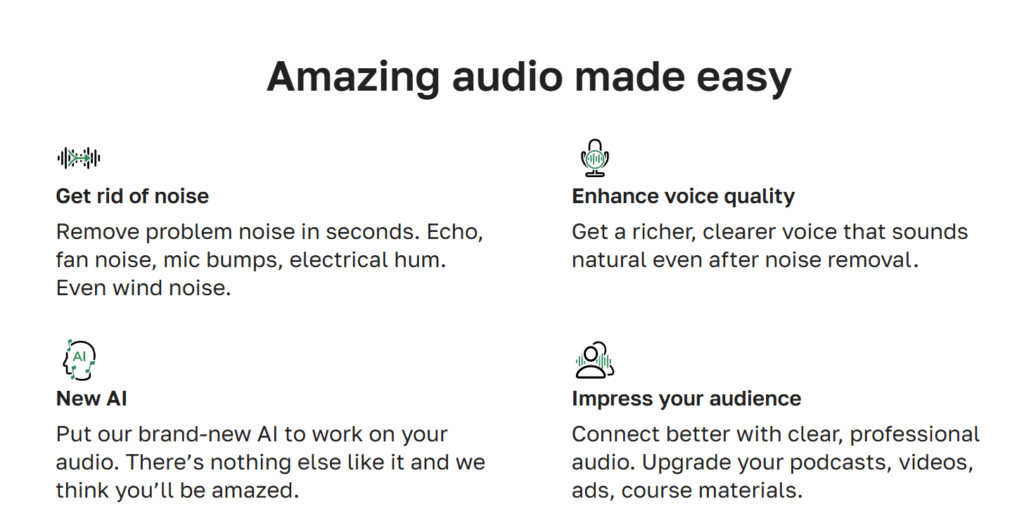
Boris FX CrumplePop is a modern, AI-driven noise reduction plugin built specifically for video and audio post-production. CrumplePop uses advanced machine learning to remove unwanted background noise, hum, wind, and echo , all while preserving the natural clarity of the human voice. Unlike older noise filters, it works in real-time, giving editors instant previews of cleaned-up dialogue without leaving their editing timeline.
Key features:
- AI-powered voice and noise removal in real time
- Compatible with leading NLEs (Premiere, Final Cut, Resolve, Avid)
- Simple interface with automatic noise detection
- Designed for both speech and environmental cleanup
- Part of the Boris FX Audio Suite, offering premium restoration and enhancement tools
Paid (Free trial available)
Use: Boris FX CrumblePop
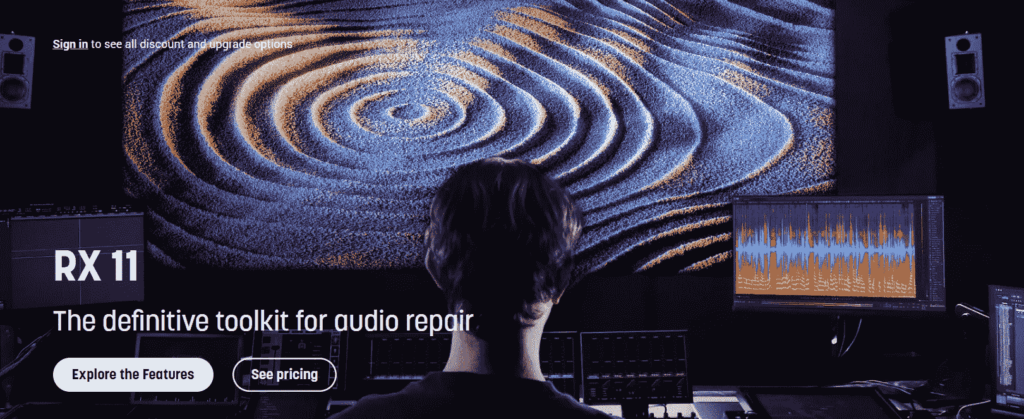
iZotope RX
Best for: Audio post-production professionals needing advanced, precision tools for dialogue isolation and noise removal
iZotope RX is the industry’s go-to for audio restoration. Its Dialogue Isolate and Voice De-noise modules can separate speech from background music or noise with surgical precision. Used in film, TV, and podcast production, it’s a powerhouse for those who demand perfection.
Key features:
- Voice De-noise: adaptive real-time de-noise for vocals and dialogue
- Dialogue Isolate, Spectral editing, complete repair suite for post-production
- Standalone + plugin versions for DAWs
Paid (Free trial available; tiered editions with added features)
Use: iZotope RX
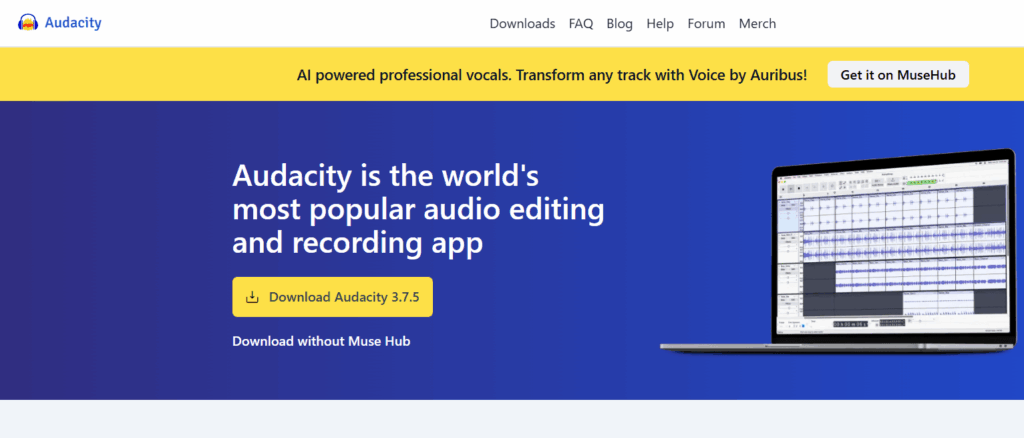
Audacity
Best for: Beginners who want a free offline solution
Audacity has been the go-to open-source audio editor for years. Its Noise Reduction effect lets you capture a noise profile and clean your audio manually , ideal if you prefer hands-on control. It also supports plugins, multitrack editing, and exports to all major formats.
Key features:
- Noise reduction by capturing a noise print and applying filters
- Multi-track editing, plugin support (VST, LADSPA)
- Works offline; no subscription required
Completely Free & Open Source
Note: Pricing and free-tier availability for these tools may vary based on usage and region (as of 2025). Always check the latest details on each platform’s official site.
How to choose the right noise-reduction tool
When picking a tool, consider:
- Purpose: Podcast, video, call, or music?
- Budget: Free online AI tools vs. pro suites.
- Privacy: Do you prefer offline or cloud (AI tools)?
- Control: Quick automation (Descript, ElevenLabs) or manual precision (Audition, iZotope RX)?
Final Thoughts , Silence Never Sounded So Good
Clean audio doesn’t just sound better , it makes your content more trustworthy. With AI and modern editing tools, professional-grade sound is now just a few clicks away.
Whether you’re polishing a podcast, cleaning a voice-over, or improving a marketing clip, these 10 tools can help you sound like you recorded in a high-end studio , even if you didn’t.
Try one or two from this list, experiment with their settings, and discover just how powerful noise-free audio can be for your brand or creative projects.
Want to Advertise on Spotify? Click here